


 XRP Price Targets $1.70 as Bullish Momentum Builds
  Japan Warns Markets Over Yen Weakness
  Gold Slides Below $4,300 as Oil Surge Fuels Fed Rate Hike Bets
  China Consumer Stocks Near Decade Lows as AI Shares Surge
  Asian Currencies Weaken as Dollar, Oil Prices Rise
  South Korea Exports Set for 16th Monthly Gain on AI Chip Demand
  Trump to Ease U.S. Fuel-Economy Standards
  Asian Chip Stocks Tumble as OpenAI Safety Pause Sparks AI Growth Concerns
  Oil Prices Rise as Iran Holds Firm on Strait of Hormuz Deal
  BlackRock’s Rick Rieder Favors Bonds Over Stocks as Treasury Yields Surge
  Oil Surge Pressures Global Stocks as U.S.-Iran Truce Hopes Fade
  Asian Stocks Fall as Oil Surge, Bond Yields and AI Concerns Hit Markets
  UK PM Burnham to Unveil Economic Vision at Labour Conference
  China Cuts Tariffs on U.S. Farm Goods but Excludes Soybeans
  RBA Set for September Rate Hike as Inflation Stays High
  ECB May Stop Rate Hikes After December, Capital Economics Says


 Add as a preferred source on Google
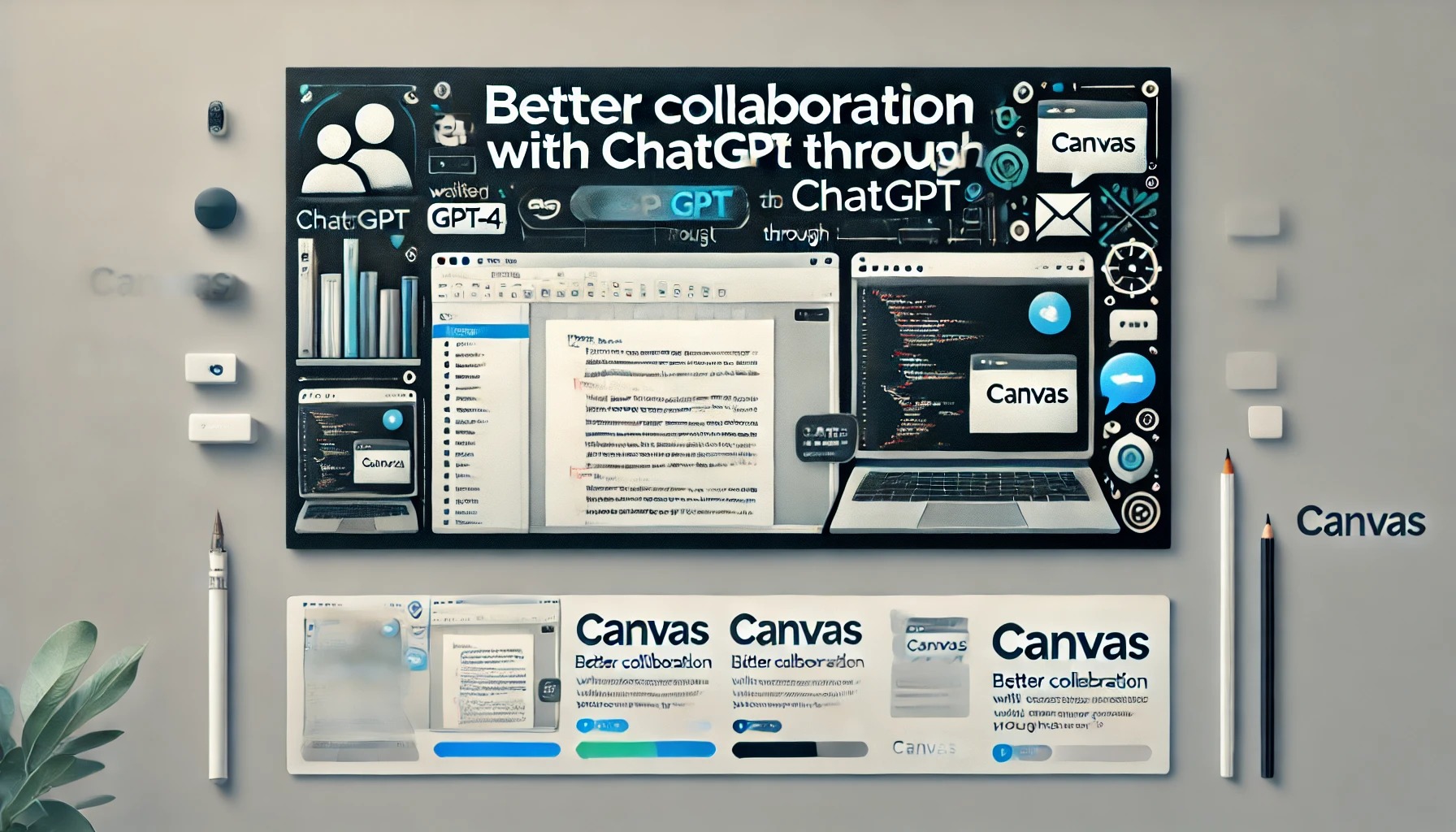
Canvas is an innovative interface designed for those using ChatGPT for writing and coding projects that require more than just a chat-based approach. This early beta provides a side-by-side workspace for users to collaborate with ChatGPT, enhancing productivity and idea refinement.
Built on GPT-4, Canvas offers a fresh way of working together, allowing users to interact beyond text conversations. It is currently available to ChatGPT Plus and Team users, with access for Enterprise and Edu users coming next week. All Free users will be able to use Canvas once it exits the beta phase.
Better Collaboration with ChatGPT Through Canvas
ChatGPT has become a go-to tool for many users seeking assistance with writing and coding. However, for projects that involve ongoing editing and complex revisions, the traditional chat interface can be limiting. Canvas was developed to address these needs, providing a flexible interface tailored for enhanced project collaboration.
With Canvas, ChatGPT gains an improved ability to understand the full context of your project. Users can highlight sections they wish to focus on, making it easier to receive targeted feedback or suggestions, much like a copy editor or code reviewer. Canvas brings these suggestions in line, considering the entire project holistically.
How Canvas Works: Hands-on Project Control
Canvas puts users in control. Not only can you directly edit your text or code, but a menu of shortcuts is also available for quick adjustments. ChatGPT can be asked to modify the writing length, debug code, or carry out other useful actions instantly. Furthermore, you can restore any previous version of your work using the Canvas back button, ensuring smooth project management.
Unlocking the Canvas Feature for Enhanced Collaboration
Canvas is designed to open automatically when ChatGPT identifies that the feature would be beneficial to your project. Alternatively, you can manually activate it by typing “use canvas” in your prompt. This allows for easy switching to the Canvas interface for ongoing projects.
Canvas Writing Shortcuts
Several helpful shortcuts are available in Canvas to streamline your writing and editing process:
- Suggest Edits: ChatGPT offers inline suggestions and feedback for more refined content.
- Adjust the Length: Modify the document’s length to suit specific needs, whether shorter or longer.
- Change Reading Level: Adjust the reading complexity from beginner to advanced levels.
- Add Final Polish: Ensure grammar, clarity, and consistency throughout your work.
- Add Emojis: Insert relevant emojis to enhance emphasis and visual appeal.







