Oil Prices Slide on US-Iran Talks, Dollar Strength and Profit-Taking Pressure
  U.S. Stock Futures Slide as Tech Rout Deepens on Amazon Capex Shock
  Dollar Steadies Ahead of ECB and BoE Decisions as Markets Turn Risk-Off
  Trump Endorses Japan’s Sanae Takaichi Ahead of Crucial Election Amid Market and China Tensions
  Vietnam’s Trade Surplus With US Jumps as Exports Surge and China Imports Hit Record
  Trump Lifts 25% Tariff on Indian Goods in Strategic U.S.–India Trade and Energy Deal
  Thailand Inflation Remains Negative for 10th Straight Month in January
  Fed Governor Lisa Cook Warns Inflation Risks Remain as Rates Stay Steady
  Gold and Silver Prices Slide as Dollar Strength and Easing Tensions Weigh on Metals
  RBI Holds Repo Rate at 5.25% as India’s Growth Outlook Strengthens After U.S. Trade Deal
  U.S.-India Trade Framework Signals Major Shift in Tariffs, Energy, and Supply Chains
  Japan Economy Poised for Q4 2025 Growth as Investment and Consumption Hold Firm
  South Africa Eyes ECB Repo Lines as Inflation Eases and Rate Cuts Loom
  Asian Stocks Slip as Tech Rout Deepens, Japan Steadies Ahead of Election
  Global Markets Slide as AI, Crypto, and Precious Metals Face Heightened Volatility
  Japanese Pharmaceutical Stocks Slide as TrumpRx.gov Launch Sparks Market Concerns


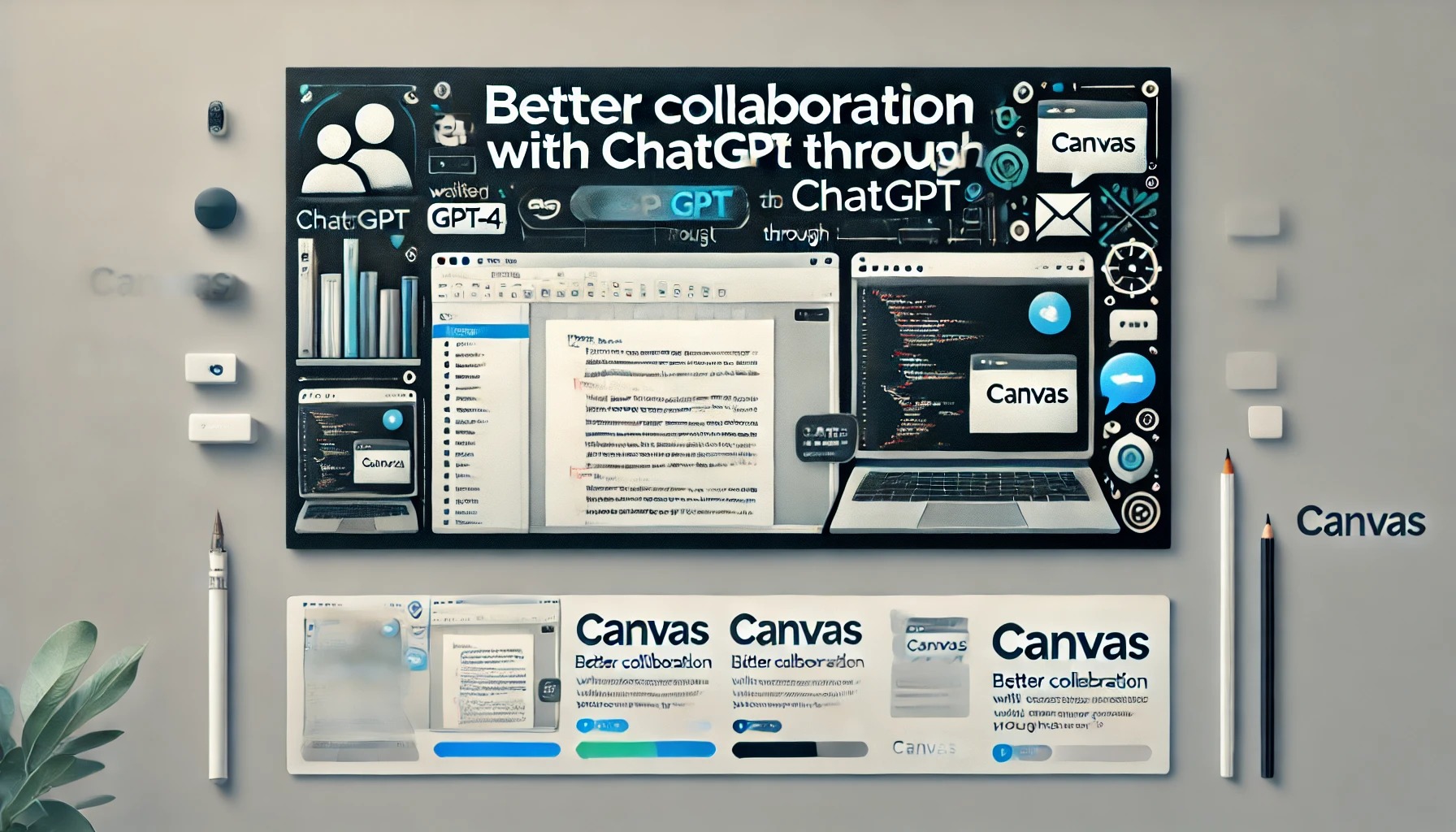
Canvas is an innovative interface designed for those using ChatGPT for writing and coding projects that require more than just a chat-based approach. This early beta provides a side-by-side workspace for users to collaborate with ChatGPT, enhancing productivity and idea refinement.
Built on GPT-4, Canvas offers a fresh way of working together, allowing users to interact beyond text conversations. It is currently available to ChatGPT Plus and Team users, with access for Enterprise and Edu users coming next week. All Free users will be able to use Canvas once it exits the beta phase.
Better Collaboration with ChatGPT Through Canvas
ChatGPT has become a go-to tool for many users seeking assistance with writing and coding. However, for projects that involve ongoing editing and complex revisions, the traditional chat interface can be limiting. Canvas was developed to address these needs, providing a flexible interface tailored for enhanced project collaboration.
With Canvas, ChatGPT gains an improved ability to understand the full context of your project. Users can highlight sections they wish to focus on, making it easier to receive targeted feedback or suggestions, much like a copy editor or code reviewer. Canvas brings these suggestions in line, considering the entire project holistically.
How Canvas Works: Hands-on Project Control
Canvas puts users in control. Not only can you directly edit your text or code, but a menu of shortcuts is also available for quick adjustments. ChatGPT can be asked to modify the writing length, debug code, or carry out other useful actions instantly. Furthermore, you can restore any previous version of your work using the Canvas back button, ensuring smooth project management.
Unlocking the Canvas Feature for Enhanced Collaboration
Canvas is designed to open automatically when ChatGPT identifies that the feature would be beneficial to your project. Alternatively, you can manually activate it by typing “use canvas” in your prompt. This allows for easy switching to the Canvas interface for ongoing projects.
Canvas Writing Shortcuts
Several helpful shortcuts are available in Canvas to streamline your writing and editing process:
- Suggest Edits: ChatGPT offers inline suggestions and feedback for more refined content.
- Adjust the Length: Modify the document’s length to suit specific needs, whether shorter or longer.
- Change Reading Level: Adjust the reading complexity from beginner to advanced levels.
- Add Final Polish: Ensure grammar, clarity, and consistency throughout your work.
- Add Emojis: Insert relevant emojis to enhance emphasis and visual appeal.