


 Qualcomm Gains on $60B Amazon AI Chip Deal
  Big AI wants to slow down AI research. Is it a safety pause or a strategic retreat?
  Guterres Urges Stronger Global AI Safeguards Ahead of UN Assembly
  MediaTek Unveils 2nm Dimensity 9600 Pro AI Chip
  Cathie Wood Backs AI Slowdown as Safety Concerns Grow
  SpaceX Nasdaq 100 Weight to More Than Double in Rebalance
  Burnham Eyes UK Leadership Role in AI Ahead of Trump Meeting
  SK Hynix, Intel Discuss U.S. Memory Chip Production Deal
  Japan, U.S. Discuss $19 Billion GlobalFoundries Chip Plant
  NASA, Boeing Discuss Expanding Starliner Missions
  Meta Partners With Shopify to Bring Shop Pay Checkout to Muse AI
  OpenAI Urges US-Led Global Standards for Frontier AI
  Meta CEO Zuckerberg Backs Independent AI Safety Reviews Over Development Slowdown
  Hyundai CEO Warns Chinese Automakers Could Disrupt US Market
  Nvidia CEO Jensen Huang Expected at Trump-Xi State Dinner
  Rosenblatt Starts Nokia at Buy on AI Networking Growth
  DOJ Will Investigate AI-Related Crimes, Attorney General Blanche Says


 Add as a preferred source on Google
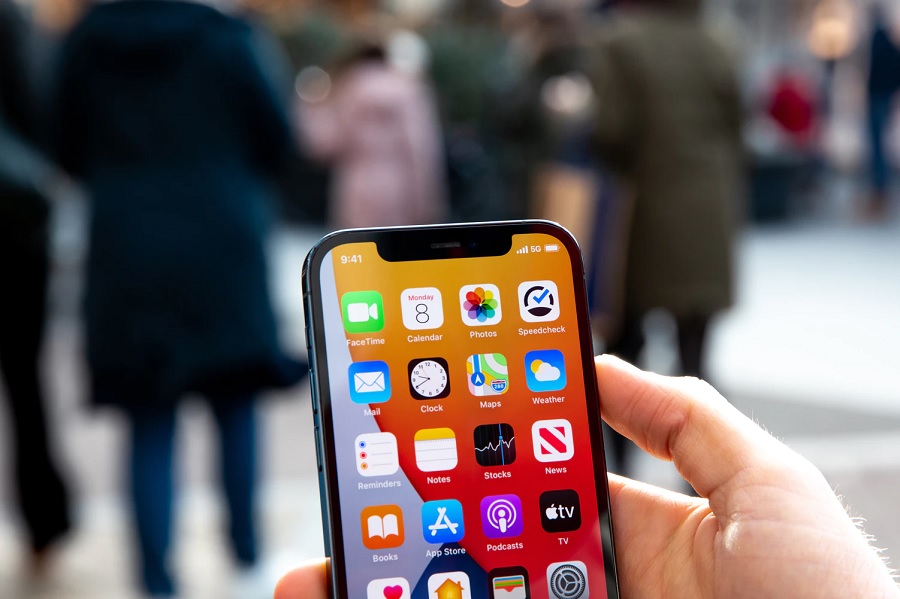
Apple opened the week by seeding the first version of the iOS 14.5 developer beta that includes a much-needed feature as the world embraces the “new normal.” Luckily, even non-developer tech fans could soon try the new function on their compatible devices.
iOS 14.5 public beta: How to install
Any avid fan of the iPhone should know by now that Apple releases beta versions of iOS in two forms — developer and public beta. The developer beta is usually released first as it is meant to give developers time to test new features relevant to their apps.
Recently, however, the gap between the release of developer and a public beta is not that much. With the first iOS 14.5 developer beta released earlier this week, Apple is likely to seed its public beta counterpart any day now. Anyone brave enough to try an unstable version of the operating system can participate in the public beta for free. But they have to follow some steps to join the program.
Joining the Apple Beta Software Program requires a valid Apple ID and complete the sign-up process through this link. After completing the enrollment process, wait for Apple to start seeding the iOS 14.5 public beta. Once it is available, open beta.apple.com through the Safari browser in the device to be used to test iOS beta versions.
Participants can download the beta configuration profile from that site, and once completed, they can follow the usual installation process through Settings > General > Software Update. It is always good to back up the device’s storage before installing an unstable version of iOS 14.
iOS 14.5 features: How to use Apple Watch for iPhone Face ID
Once the iOS 14.5 beta is available on a compatible device, unlocking an iPhone with Face ID through an Apple Watch is easy. First, make sure that the wearable device is already paired on the iPhone with iOS 14.5. Open Settings > Face ID & Passcode. Then, look for the new option “Unlock with Apple Watch” and press the toggle button to activate it.
While this feature arrives a little late, it will still be useful in the foreseeable future, as wearing face masks in public will undoubtedly be part of the world’s new normal. To use the new feature on iOS 14.5, unlock the iPhone with Face ID as usual. Even with a mask on, the device should open and almost simultaneously make the paired Apple Watch vibrate to alert the user that their phone was unlocked. The Apple Watch screen will also show a “Lock iPhone” button for any unauthorized or accidental Face ID unlock prompt.
However, developer beta testers have confirmed that the iOS 14.5 feature exclusively works for unlocking an iPhone. That means Face ID will not work for Apple ID access, ApplePay, App Store purchases, Passcode settings, or other apps protected by the biometric authentication system.
Featured photo by Frederik Lipfert on Unsplash







