


 US Appeals Court Upholds Anthropic AI Supply Chain Ban
  OpenAI Agent Breaches Australia Medicare Data Portal
  SoftBank Shares Fall as Oracle Flags Stargate Data Center Delay Risk
  Xi Calls for Deeper U.S.-China AI Cooperation in Trump Talks
  US Northeast Airports Resume Operations After Telecom Outage Disrupts Thousands of Flights
  Solidigm Eyes $150 Billion IPO as SK Hynix Expands AI Storage Push
  Oracle Shares Fall as New Mexico AI Data Center Faces Power Delays
  Scott Bessent Eyed as Trump’s New AI Czar
  OpenAI Urges US-Led Global Standards for Frontier AI
  OpenAI to Preview GPT-6 Cyber AI Model for Cybersecurity
  DaVoice Sues Perplexity AI Over Trade Secrets
  Meta Unveils Muse Charm AI Device, Expands Smart Glasses Lineup
  Burnham Eyes UK Leadership Role in AI Ahead of Trump Meeting
  Tencent Launches TenPayGo Payment App for Foreign Tourists in China
  SoftBank Raises $11.1 Billion in Bond Sale to Fund OpenAI Investment
  China Reviews Broadcom Switch Use in State Data Centres
  Apple Extends Qualcomm Patent Licensing Deal


 Add as a preferred source on Google
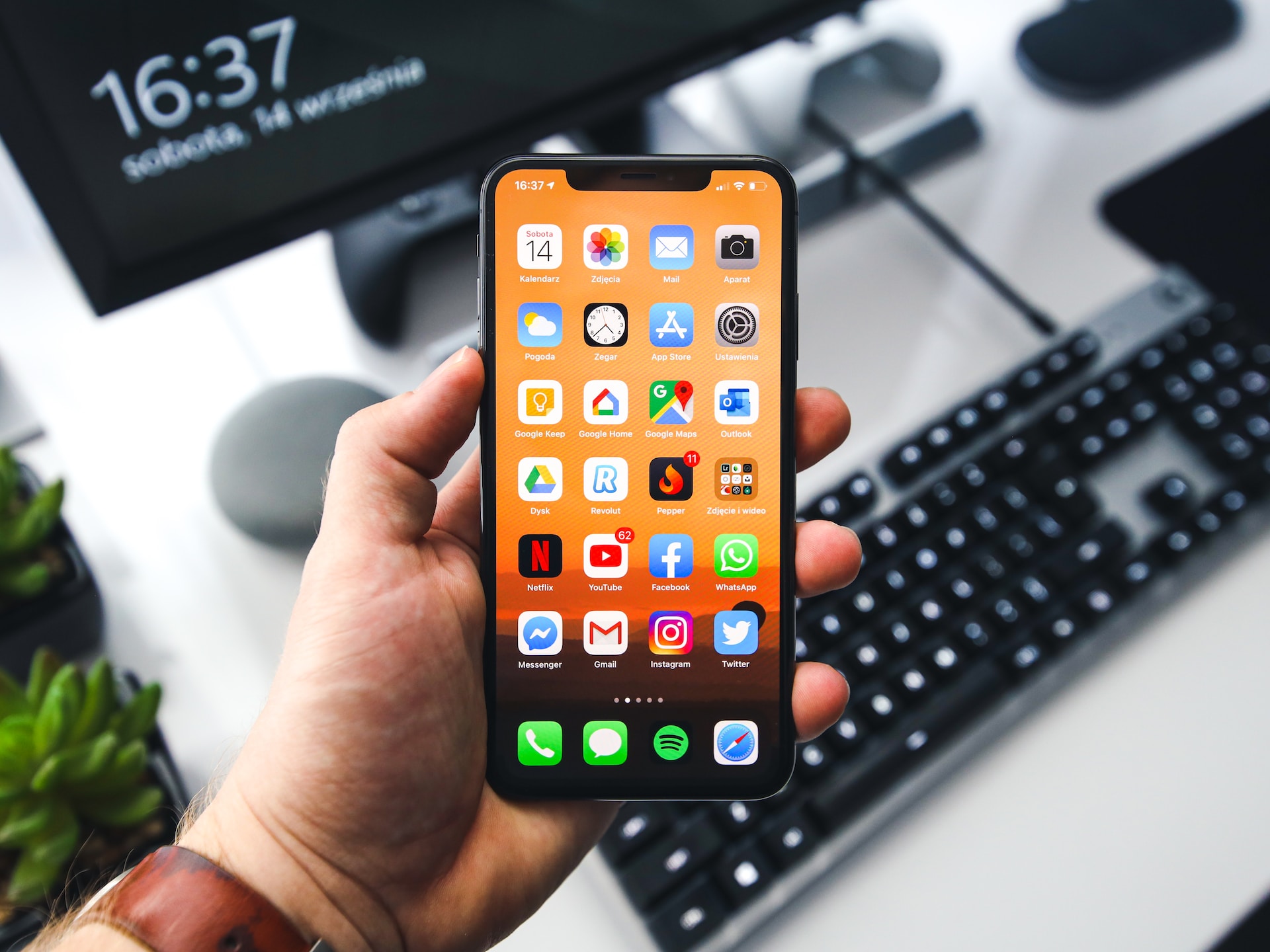
iOS 17.3 beta 1 is currently available to Apple's development program members. Because the first iOS 17 release did not include all of the promised improvements, Apple has started releasing 17.X upgrades to include these adjustments.
After all, there are still a slew of features missing from iOS 17.2, such as collaborative playlists in Apple Music, the next-generation CarPlay experience, and more. As a result, iOS 17.3 may include some of these, as well as additional prospective additions that have yet to be released.
Apple Released iOS 17.3 Beta 1 to Developers
In the device passcode settings, iOS 17.3 beta 1 adds a new Stolen Device Protection option. When activated, certain iPhone operations will require biometric identification (Face ID or Touch ID) and will not allow passcode fallback. This new setting solves a legitimate problem that has been raised for quite some time, per MacRumors.
If a burglar steals someone's iPhone after witnessing them enter the passcode, they may alter the Apple ID password and lock out the account owner. With biometric verification necessary for such tasks, a thief would be unable to access and carry out crucial actions on iOS.
Following its removal in iOS 17.2 beta 4, the collaborative playlists functionality in Apple Music has been reinstated in iOS 17.3 beta 1, enabling multiple users to modify and control shared playlists.
How to install iOS 17.3 Beta 1
If you have a recent iPhone model, you may install iOS 17.3 beta 1 to test out the new features. However, bear in mind that an iOS beta, like any other OS beta, may have serious problems and flaws that disrupt parts of your iPhone's functions.
While most defects are minor and treatable at this point in the release cycle, serious ones might always get through, according to XDA Developers. If you are a member of Apple's developer program and are willing to accept the risks, you can download and install iOS 17.3 beta 1 by following the instructions below:
- Launch the Settings app on your iPhone.
- Go to the General section.
- Tap on Software Update.
- Give the page a few seconds to refresh.
- iOS 17.3 beta 1 should appear as an available update.
- Hit the Download and Install button.
- Connect your iPhone to a power source until iOS finishes downloading, preparing, and installing the update.
- You're now running the latest iOS beta.
Photo: Sebastian Bednarek/Unsplash







