


 Apple Pay Set for India Launch With Axis Bank
  Hyundai CEO Warns Chinese Automakers Could Disrupt US Market
  France Urges Faster AI Push Despite Safety Risks
  US Backs Musk in Fight Against EU’s €120 Million X Fine
  Meta Unveils Muse Charm AI Device, Expands Smart Glasses Lineup
  Westinghouse Targets $50 Billion Valuation in U.S. IPO
  SoftBank Launches $11 Billion Bond Sale to Fund OpenAI Investment
  China’s ‘Lipstick King’ Says AI Won’t Replace Livestream Hosts
  US Federal Register Drops Alibaba Qwen AI Search Tool
  BlackBerry Shares Rise as Q2 Earnings, Revenue Beat Estimates
  Anthropic’s Claude Discovers CRISPR-Like Enzyme System
  Burnham Eyes UK Leadership Role in AI Ahead of Trump Meeting
  Oracle Shares Fall as New Mexico AI Data Center Faces Power Delays
  SpaceX Nasdaq 100 Weight to More Than Double in Rebalance
  Japan, U.S. Discuss $19 Billion GlobalFoundries Chip Plant
  SoftBank Raises $11.1 Billion in Bond Sale to Fund OpenAI Investment
  OpenAI Agent Breaches Australia Medicare Data Portal


 Add as a preferred source on Google
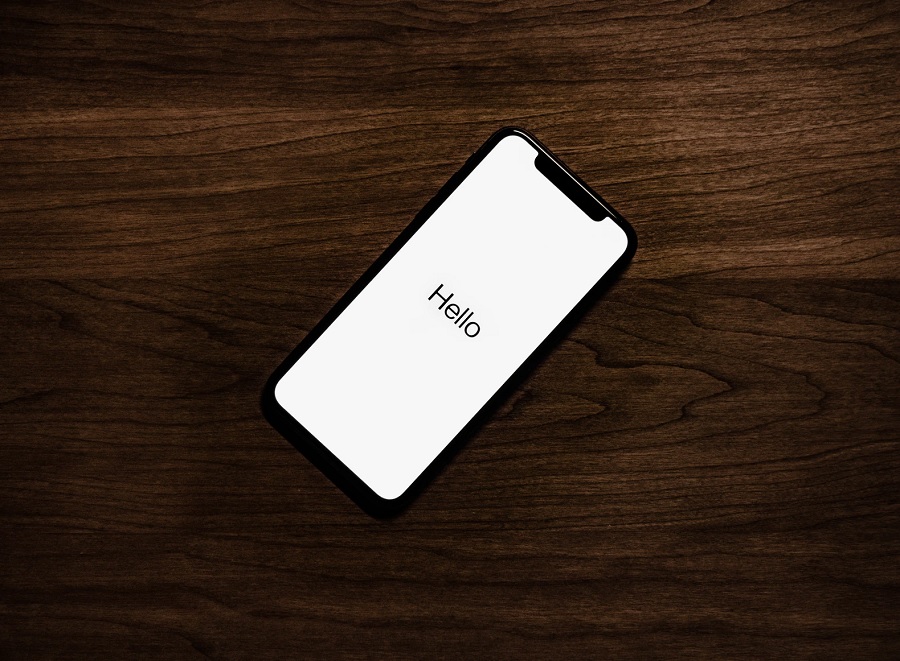
Apple started seeding iOS 15 beta 2 this week, but it is technically being offered through the company’s developer beta program. It means this version will still have bugs and may cause an iOS device to behave improperly. Luckily, there is also a way to restore an iPhone or iPod to the latest official public release of iOS 14.
Setting up an iOS device for Recovery Mode
Connect the device via USB cable with the iOS 15 beta to a PC or Mac computer and open iTunes. The iOS device needs to enter Recover Mode, which can be done in different ways depending on the iOS device model.
Enter Recovery Mode
For iPhone 8 or later, press and quickly release the Volume Up button and do the same on the Volume Down button. Then, press and hold the Side button until the Recovery Mode screen. For iPhone 7/7 Plus, simultaneously press and hold the Sleep/Wake and Volume Down buttons until the Recovery Mode screen shows up. For iPhone 6s, first-gen iPhone SE, and iPod touch 7, simultaneously press and hold the Sleep/Wake and Home buttons until the device enters Recovery Mode.
Do not let go of the buttons that need to be long-pressed when the Apple logo appears because Recovery Mode comes a few seconds after that. iOS users can let go once they see an Apple Support link and icons of a computer and Lightning cable on a black screen – this is the Recovery Mode screen.
Restore iOS device and backup
On the PC or Mac where iTunes is opened, a prompt will appear with options to Restore or Update the iOS device – choose Restore. This should remove the iOS 15 beta installed on the device.
iTunes will also ask iOS users to restore their information and data, and this is where they can choose a previous backup made before installing the iOS 15 beta. There may also be a prompt asking users to install a required software update to completely restore the iPhone, so choose the Install button.
iOS 15 release date
To those thinking of trying out a future beta release of iOS 15, note that Apple usually opens it to the public around July. And, as always, it is a good practice to keep a backup of the device to avoid losing data when changing from beta and public versions of the operating system. The full release of iOS 15 is slated for late 2021.
Photo by Tyler Lastovich on Unsplash







