


 SpaceXAI to Double Nvidia Chips at Colossus 2 by Year-End
  Cardano Founder Says Midnight Could Outgrow Zcash
  Europe’s AI Data Centre Boom Strengthens Case for Nuclear Power
  The ghost of Robodebt – Federal Court rules billions of dollars in welfare debts must be recalculated
  Apple Extends Qualcomm Patent Licensing Deal
  Heritage, desire and diplomacy: why China still values scotch whisky
  Morgan Stanley Raises TD Synnex Price Target to $359 on Strong AI Demand
  AMD Hits $1 Trillion as BofA Raises Price Target to $720
  OpenAI AI Agents Bypassed UN Website Controls in Data Scraping
  NEAR Price Surges 200% as Parabolic Rally Raises Pullback Risk


 Add as a preferred source on Google
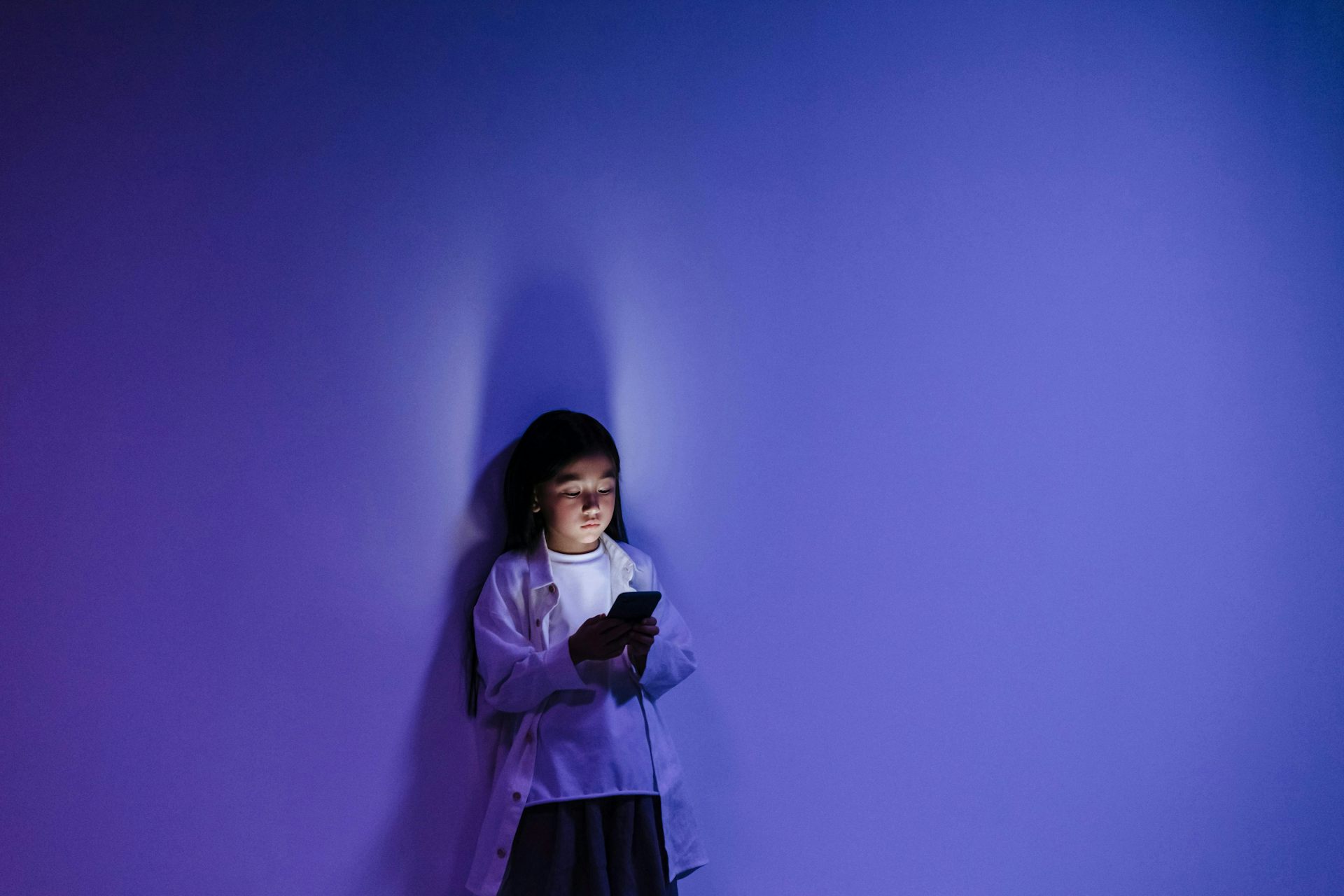

As school holidays continue around Australia, many parents are looking for educational ways to keep their children entertained.
If you own an Android device and have young children, you may find yourself browsing Google Play for educational and age-appropriate apps. If you go to the children’s section, you will be led to a page with “Teacher Approved apps & games” featuring apps for children under 13 according to different age ranges and themes.
Popular “Teacher Approved” apps such as learning app Lingokids and the game Bluey: Let’s Play have been downloaded more than 50 million times. YouTube Kids, another “Teacher Approved” app, has been downloaded more than 500 million times.
Google says “teachers and specialists” rate the “Teacher Approved” apps. But in our research we argue it’s unclear who exactly those teachers and experts are. The educational value of Google Teacher Approved apps can also be unclear at times.
What is ‘Teacher Approved’?
Google launched the “Teacher Approved” program in 2020 to set a quality standard for apps for children aged under 13.
To be included in the “Teacher Approved” section, an app needs to adhere to Google’s family policies, which includes having an easy-to-understand interface and content that is appropriate for children. Any ads, in-app purchases or cross-promotion “must be appropriate” too.
Google has an online course for developers who want to be included in the Teacher Approved section. We took this as part of our our research.
In the course, Google states “an app doesn’t have to be educational” as long as it is “enriching” and “support(s) a child’s healthy development”. At the same time, Google says teachers are assessing apps for “learning impact”. However, it is not clear how learning is assessed, especially for apps that are not educational.
Our research
In our study, we analysed how apps were presented in the children’s section on Google Play to make them seem educational.
We also interviewed five industry stakeholders (three founders/chief executives and two design specialists) from different companies developing apps for children.
We chose to involve industry rather than parents, as anecdotal evidence suggests parents have little understanding of the “Teacher Approved” program.
Confusing labels and categories
We found “Teacher Approved” apps are often categorised with vague or interchangeable labels such as “enriching apps”, “enriching games” and “games for kids”. This can make it difficult to understand the purpose of the apps, or to know whether they are educational or not.
We also found some apps with a “Teacher Approved” badge were labelled by the app developer as entertainment rather than “educational”. For example, Paw Patrol Rescue World was “Teacher Approved”, despite being labelled as “action-adventure” by the developer.
With the Teacher Approved badge Google creates the impression of educational value and trustworthiness for all sorts of apps. As one of the developers we interviewed explained:
how many people would look at a little graphical badge and go ‘oh, I trust this now, because they’ve got this badge’.
Who approves the apps?
The Teachers Approved badge implies teachers are used to evaluate the apps that appear in the children’s section on Google Play.
However, on the developer’s section of its website, Google notes it is not exclusively teachers who assess the apps. It says “teachers and children’s education and media specialists recommend high-quality [Teacher Approved] apps for kids on Google Play.”
In 2020, Google shared the names of two experts who were “lead advisers” at the time – a developmental psychologist and an education and media expert. But it is not clear who the “teachers” and “specialists” who currently rate the apps are and how many of them are actually teachers.
The Conversation asked Google where the teachers or specialists are located, whether they are paid, and what criteria non-teachers need to meet to be included in the program. The company did not respond before deadline.
What can parents do?
Our research suggests the current situation is confusing for parents. In the meantime, there are some things parents can do if they are not sure about apps their kids are using:
-
use independent sites such as Children and Media Australia that evaluate the educational content of apps
-
don’t rely on the content description on Google Play, but test the apps yourself
-
don’t use apps with advertising, as this will interrupt the learning experience.

Niels Kerssens receives funding from The Dutch Research Council.
Chris Zomer does not work for, consult, own shares in or receive funding from any company or organisation that would benefit from this article, and has disclosed no relevant affiliations beyond their academic appointment.








