


 BlackBerry Shares Rise as Q2 Earnings, Revenue Beat Estimates
  Meta Connect Spotlights Camera-Free Smart Glasses Amid Privacy Concerns
  Apple Extends Qualcomm Patent Licensing Deal
  SoftBank Launches $11 Billion Bond Sale to Fund OpenAI Investment
  China’s ‘Lipstick King’ Says AI Won’t Replace Livestream Hosts
  Westinghouse Targets $50 Billion Valuation in U.S. IPO
  Burnham Eyes UK Leadership Role in AI Ahead of Trump Meeting
  Hyundai CEO Warns Chinese Automakers Could Disrupt US Market
  China Reviews Broadcom Switch Use in State Data Centres
  SpaceX Nasdaq 100 Weight to More Than Double in Rebalance
  Former OpenAI Data Center Chief Chris Malone Joins Nvidia
  Trump Plans Federal AI Force and AI Czar
  Japan, U.S. Discuss $19 Billion GlobalFoundries Chip Plant
  Microsoft Stock Upgraded as Stifel Sees Stronger Azure Growth
  Meta Unveils Muse Charm AI Device, Expands Smart Glasses Lineup
  US Federal Register Drops Alibaba Qwen AI Search Tool


 Add as a preferred source on Google
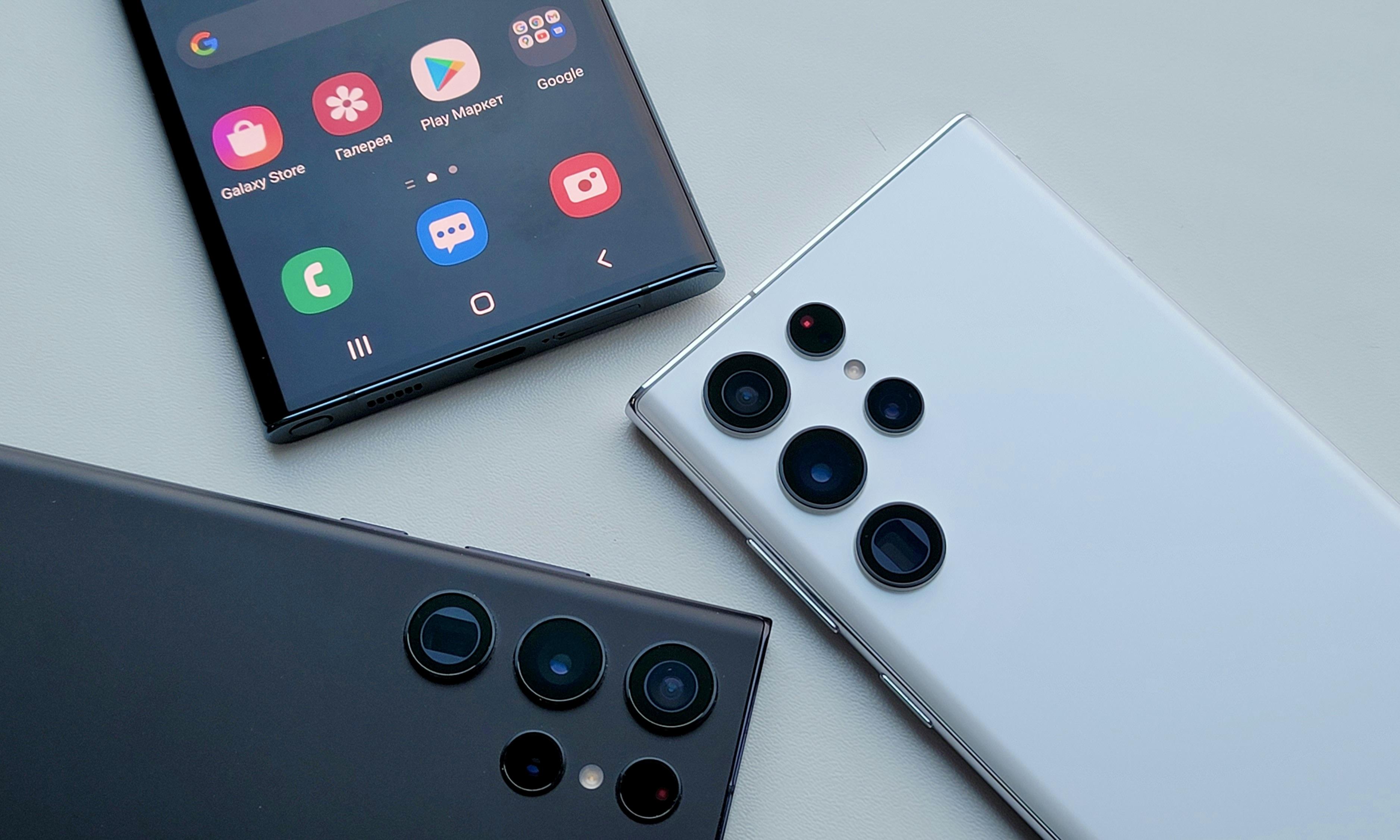
This week, Samsung has launched a vital software update across European markets, targeting various devices, including the Galaxy S24 and Z Flip 5. This update is critical for maintaining network connectivity and accessing emergency services, as it adjusts band support to align with regional carrier changes.
As per SamMobile, while many devices have already received the April 2024 security update, Samsung published a further upgrade throughout the European region earlier this week.
This is a crucial update released for many devices, including the Galaxy S24, S23, S22, Galaxy Z Fold 5, Z Flip 5, and Galaxy A54.
What Does the Samsung Update Include?
This significant network update from Samsung modifies how cellular carrier support is provided. To meet the demands of network providers, support for more bands has been added in specific markets.
Additionally, Samsung has discontinued supporting specific bands since some carriers might stop supporting them entirely. For instance, many carriers plan to discontinue 2G networks, so your device won't revert to the older network.
Why is the Samsung Software Update Crucial?
This is a crucial update because failing to install it will prevent you from calling emergency lines in some markets. It will guarantee that your device is connected to every network band utilized by the carriers in the area, enabling you to contact the necessary emergency services in case of an emergency.
After installing this update, devices purchased in Germany will no longer be able to connect to TDD 4G networks in Germany, Belgium, Denmark, France, the Netherlands, Luxembourg, Austria, Poland, the Czech Republic, and Switzerland.
Details on Samsung's Network Compatibility Changes
Users who purchased their phones in Germany won't be significantly affected by the absence of TDD 4G network compatibility while connecting to 4G networks abroad, as most European carriers use FDD 4G networks.
This update might not be available in other areas as it seems exclusive to Europe.
According to Sam Lover, you should begin receiving new updates if you use the Galaxy S24, Galaxy S23, Galaxy S22, Galaxy Z Fold 5, Galaxy Z Flip 5, Galaxy S23 FE, or Galaxy A54 in Europe. To install them on your device, navigate to the software update option in system settings, wait for the update, and then conceal the download button that appears.
Photo: Evgeny Opanasenko/Unsplash







